
 Log in
 Start Free Trial
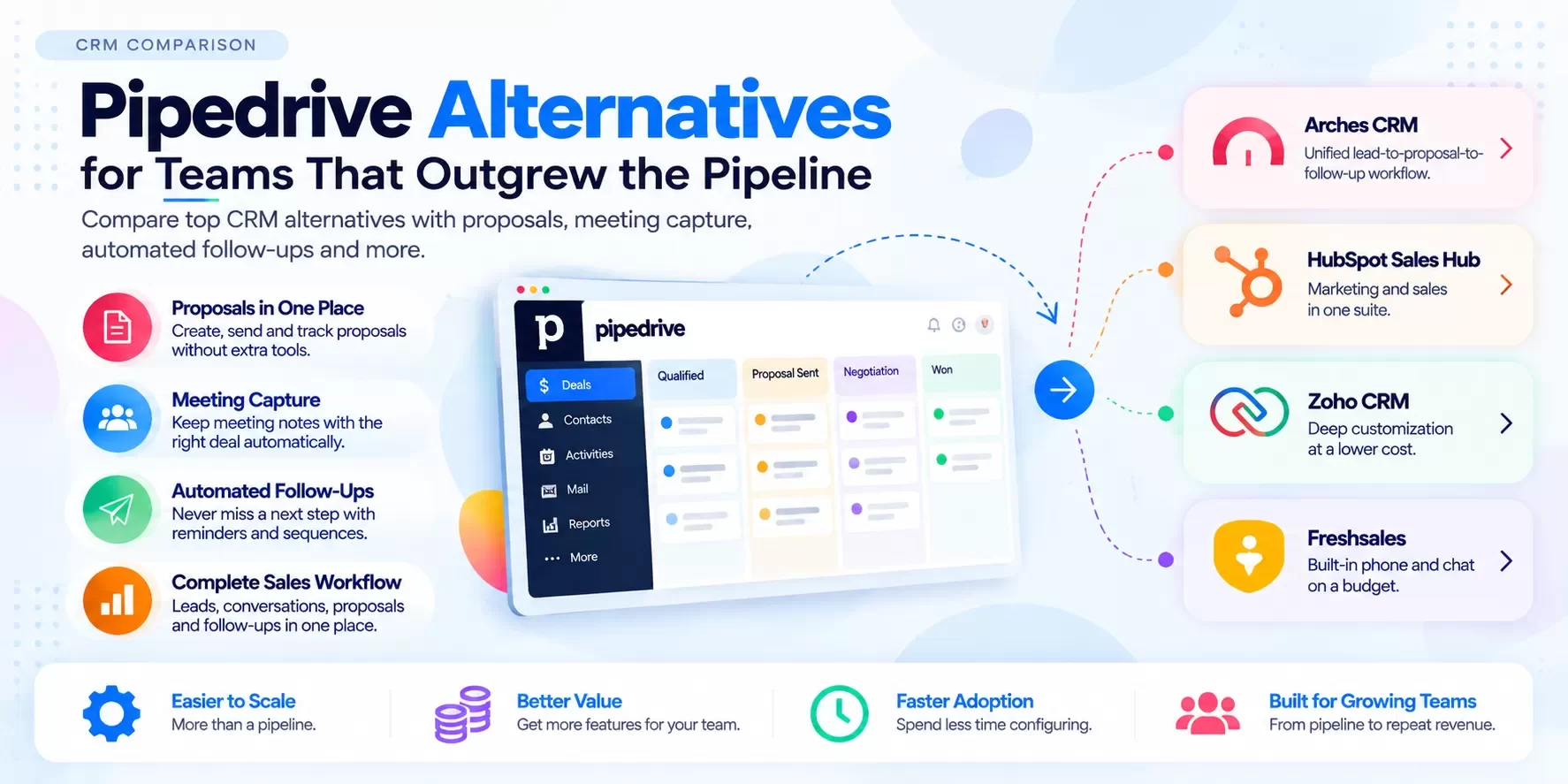
What does "outgrowing Pipedrive" actually look like?
It rarely shows up as a big failure. It shows up as small leaks:
- Proposals live somewhere else. A doc tool, a template folder, an e-sign app.
- Meeting notes don't make it into the deal. Or they do, three days later.
- Follow-up depends on memory. A deal sits in "Proposal Sent" for 19 days before anyone notices.
- Add-ons pile up. Documents, campaigns, lead capture and web tracking each carry their own line item.
- The board looks healthy. The forecast doesn't. Deals move forward on the board without the activity to back them up.
If two or more sound familiar, you haven't outgrown pipeline management. You've outgrown pipeline-only.
Pipedrive pricing in 2026
From the Pipedrive pricing page, as of Sep 2026. Per seat per month, billed annually (monthly billing costs more; Pipedrive says annual billing saves up to 42%):
| Plan | Price | What's added |
|---|---|---|
| Lite | $14 ($168/seat/year) | Lead, calendar and pipeline management; AI-powered report creation; 500+ integrations; meeting intelligence |
| Growth | $39 ($468/seat/year) | Full email sync with tracking; automations and nurturing sequences; meeting scheduler and contacts timeline |
| Premium | $59 ($708/seat/year) | Lead generation and routing; scoring and enrichment; AI-powered multi-email tools; contracts and e-signatures |
| Ultimate | $79 ($948/seat/year) | Security rules and alerts; phone and email enrichment; sandbox; extended phone support |
Add-ons (starting prices listed on the same page): Smart Docs from $32.50, LeadBooster from $32.50, Web Visitors from $41, Projects from $16, Campaigns from $13.33. [CONFIRM: add-on billing unit, per company vs per seat]
Credit where it's due: Pipedrive has moved well beyond a simple board. Meeting intelligence now starts on Lite, and contracts and e-signatures are included in Premium.
Pipedrive alternatives: priced comparison
Prices from each vendor's own pricing page, as of Sep 2026. Per user (seat) per month, billed annually unless noted.
| CRM | Comparable tier | Price | Proposals / docs | Meeting capture | Automated follow-up | Best for |
|---|---|---|---|---|---|---|
| Pipedrive (pricing) | Premium | $59 | Contracts and e-signatures in Premium; Smart Docs add-on | Meeting intelligence (from Lite) | Automations and sequences (from Growth) | Visual pipeline teams |
| HubSpot Sales Hub (pricing) | Professional | $90 (billed monthly) + $1,500 one-time onboarding | [CONFIRM: HubSpot quotes/e-sign by tier] | [CONFIRM] | [CONFIRM: sequences by tier] | Marketing-led teams |
| Zoho CRM (pricing) | Professional / Enterprise | $23 / $40 | Often via Zoho apps (Writer, Sign) | [CONFIRM] | Workflows and Blueprints | Customizers on a budget |
| Freshsales (pricing) | Pro | $39 | [CONFIRM] | [CONFIRM] | [CONFIRM: sequences by tier] | Built-in phone and chat |
| Arches CRM | [CONFIRM tier] | [CONFIRM price] | Proposal created in the deal record [CONFIRM] | Meeting notes captured to the deal [CONFIRM] | Automatic follow-up [CONFIRM] | One place from lead to close |
Worked example: a 10-rep team's pipeline-plus stack
Hypothetical, for illustration. A 10-rep team on Pipedrive Premium that also wants document management and email campaigns:
| Line item | Monthly cost |
|---|---|
| Pipedrive Premium: 10 x $59 | $590 |
| Smart Docs add-on (listed "from" price) | from $32.50 [CONFIRM billing unit] |
| Campaigns add-on (listed "from" price) | from $13.33 [CONFIRM billing unit] |
| Starting total | from $635.83/month |
That's a reasonable number. The question isn't whether Pipedrive is expensive. It's whether your team works in one place or five. Compare the same workflow priced on Arches [CONFIRM price] and count the tools each option replaces.
Where Arches is different: the meeting-to-close workflow
Arches is built on one idea: Sales Made Simple. Capture every lead. Keep every conversation. Capture every meeting. Know the next action. Create the proposal. Follow up automatically. Close the deal.
Here's how that looks as an AI workflow [CONFIRM: each step live]:
| Step | What happens | Who does it |
|---|---|---|
| 1. Lead arrives | Web form, email or referral captured with source | Arches |
| 2. Discovery meeting | Notes captured and attached to the deal | Rep + Arches |
| 3. Summary | AI pulls out scope, budget, timeline, decision-maker | Arches AI |
| 4. Next action | AI sets the next step and due date | Arches AI |
| 5. Proposal | Drafted from the meeting details, reviewed and sent by the rep | Arches AI + rep |
| 6. Follow-up | Automatic reminders or emails if the prospect goes quiet | Arches |
| 7. Close | Deal marked won; proposal and history stay on the record | Rep |
No fragmented tools. One unified platform. Reps spend their time selling instead of updating the board.
A real-world scenario: the roofing contractor's bid pipeline
A roofing company runs 60 open bids at any time. On Pipedrive, their board is clean: New Lead, Inspection Booked, Bid Sent, Negotiation, Won.
The problem sits in "Bid Sent." Estimators build bids in a spreadsheet, export to PDF and email them. Nobody tracks whether the homeowner opened the bid. Follow-up happens when the owner walks the board on Friday. Some bids sit for two weeks.
Example math (hypothetical): 60 open bids, average job $14,000. If tighter follow-up lifts close rate from 25% to 30% on 20 bids a month, that's one extra job a month, about $14,000 in monthly revenue, or $168,000 a year.
On Arches: the inspection notes attach to the deal, the estimator builds the bid from the same record, and if the homeowner doesn't respond in 3 days, follow-up goes out automatically. The owner's Monday view shows which bids need a call today. [CONFIRM: proposal builder, bid-view tracking and automated follow-up live]
Run your own numbers with the Arches campaign ROI or email ROI calculator [CONFIRM: calculator live + URL].
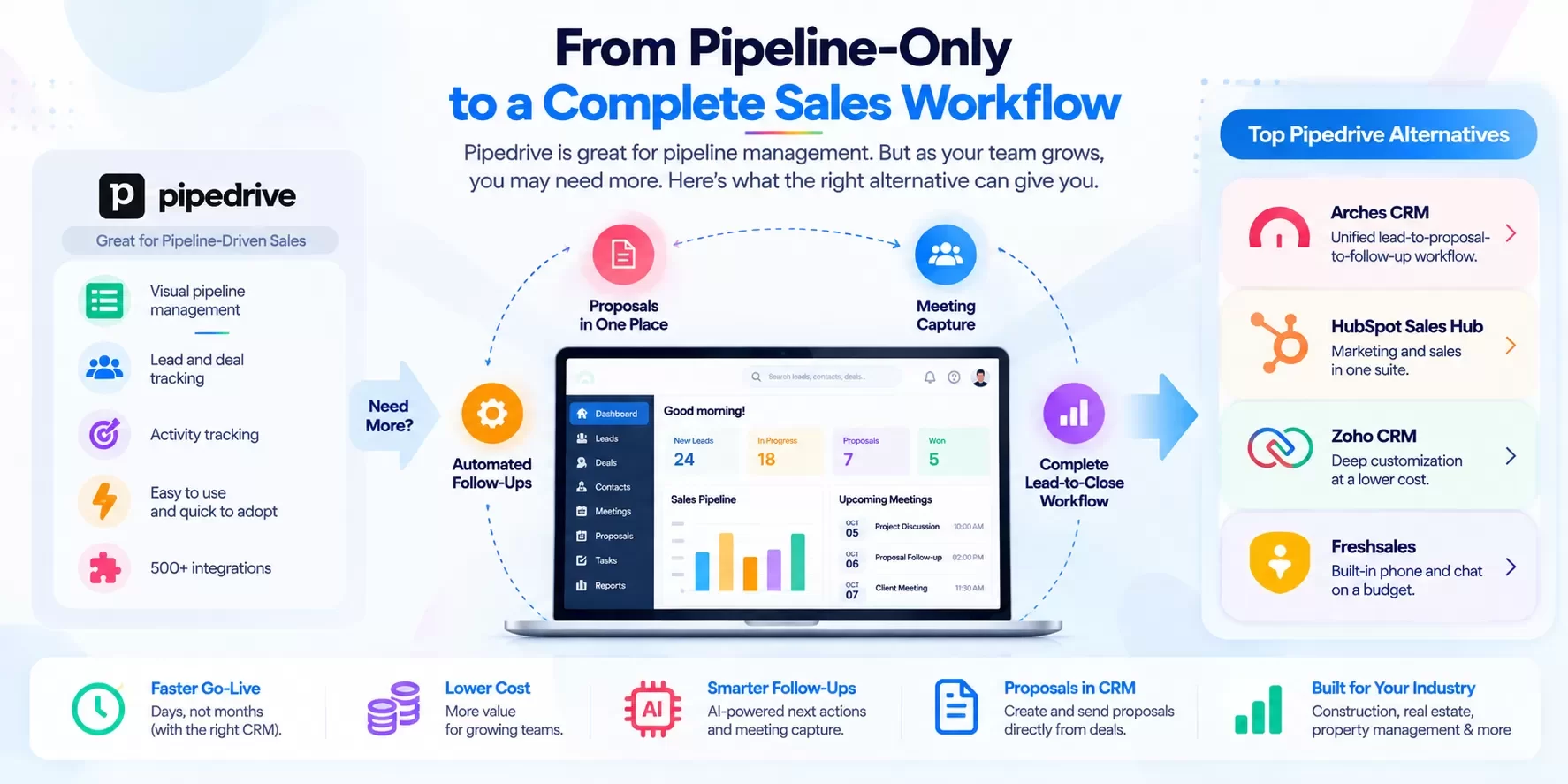
When should you stay on Pipedrive?
Be honest with yourself. Stay on Pipedrive if:
- Your team adopts it well. A CRM that reps actually use beats a better one they avoid. Pipedrive's ease of use is a genuine strength.
- Proposals are simple or handled elsewhere, like a quoting system in your ERP or estimating software.
- You need Pipedrive's integration marketplace. Its 500+ integrations cover a lot of ground.
- Premium already covers you. With meeting intelligence, sequences, contracts and e-signatures in Premium, some teams have everything they need.
- Switching cost outweighs the gain. If your leak is small, fix your process before changing your tool.
Switch when the leaks are structural: proposals outside the CRM, follow-up by memory, and a growing add-on bill.
How to migrate from Pipedrive: step by step
- Audit your pipelines. List every pipeline and stage. Decide which stages map one-to-one and which to merge.
- Document automations. Pipedrive workflow automations and sequences don't transfer. Write down trigger, condition and action for each so you can rebuild them.
- Export your data. Use Pipedrive's export tools to pull deals, people, organizations, activities, notes and products as CSV or Excel. Export each item type separately [CONFIRM: current Pipedrive export menu path].
- Keep the IDs. Exports include IDs that link people to organizations and deals. You need them to rebuild relationships.
- Export custom fields deliberately. Custom fields export as columns. Map each one before import, and drop the ones nobody uses.
- Handle files and email. Attachments and synced emails may need a separate export or may stay in your mailbox. Decide what you actually need [CONFIRM: Pipedrive file and email export behavior].
- Import in order. Organizations, then people, then deals, then activities and notes.
- Test with 50 records. Check that each deal shows the right contact, organization, stage and owner.
- Rebuild follow-up. Recreate your key automations in the new CRM, starting with "Proposal Sent" follow-up.
- Run parallel for a week, then cancel Pipedrive seats and add-ons at your renewal date.
Hexagon IT Solutions has 16+ years of CRM implementation experience and can run the migration for you [CONFIRM: migration service scope and pricing].
FAQ
What is the best Pipedrive alternative?
For teams that need proposals, meeting capture and automated follow-up in one place, Arches CRM. For marketing-led teams, HubSpot. For low-cost customization, Zoho CRM. For built-in phone and chat, Freshsales.
How much does Pipedrive cost?
Per Pipedrive's pricing page as of Sep 2026: Lite $14, Growth $39, Premium $59 and Ultimate $79 per seat/month, billed annually. Add-ons like Smart Docs and LeadBooster cost extra.
Does Pipedrive have proposals?
Contracts and e-signatures are included in Premium, and Smart Docs is an add-on for document management, per Pipedrive's pricing page as of Sep 2026.
Is a pipeline CRM enough for a small business?
For simple sales, yes. Once proposals, multi-touch follow-up and meeting notes matter to your close rate, you need more than pipeline-only.
Can I move my Pipedrive data to Arches CRM?
Yes. Export deals, people, organizations, activities and notes, then import in order. Automations must be rebuilt [CONFIRM: Arches import tooling].
Pipedrive vs HubSpot: which is better?
Pipedrive is simpler and cheaper at comparable sales tiers. HubSpot is stronger when marketing and sales share one system, but Professional costs $90/seat/month plus a $1,500 onboarding fee (HubSpot pricing page, Sep 2026).
Internal-link suggestions
- Zoho CRM Alternatives: Pricing, AI and Real Use Cases (anchor: "Zoho vs Pipedrive")
- Salesforce vs Arches CRM: An Honest 2026 Comparison (anchor: "enterprise alternative")
- Is Salesforce Too Much CRM for Your Small Business? (anchor: "right-size your CRM")
LinkedIn teaser
Your Pipedrive board looks great. So why are bids sitting in "Sent" for two weeks? Pipeline-only isn't the same as follow-up.
Keep the pipeline. Lose the patchwork.
No fragmented tools. One platform. Stop managing your CRM. Start closing deals. Small team? Start your free trial of Arches CRM. 100+ employees? Book a demo and we will map your current stack to one platform.